


Features 🌟
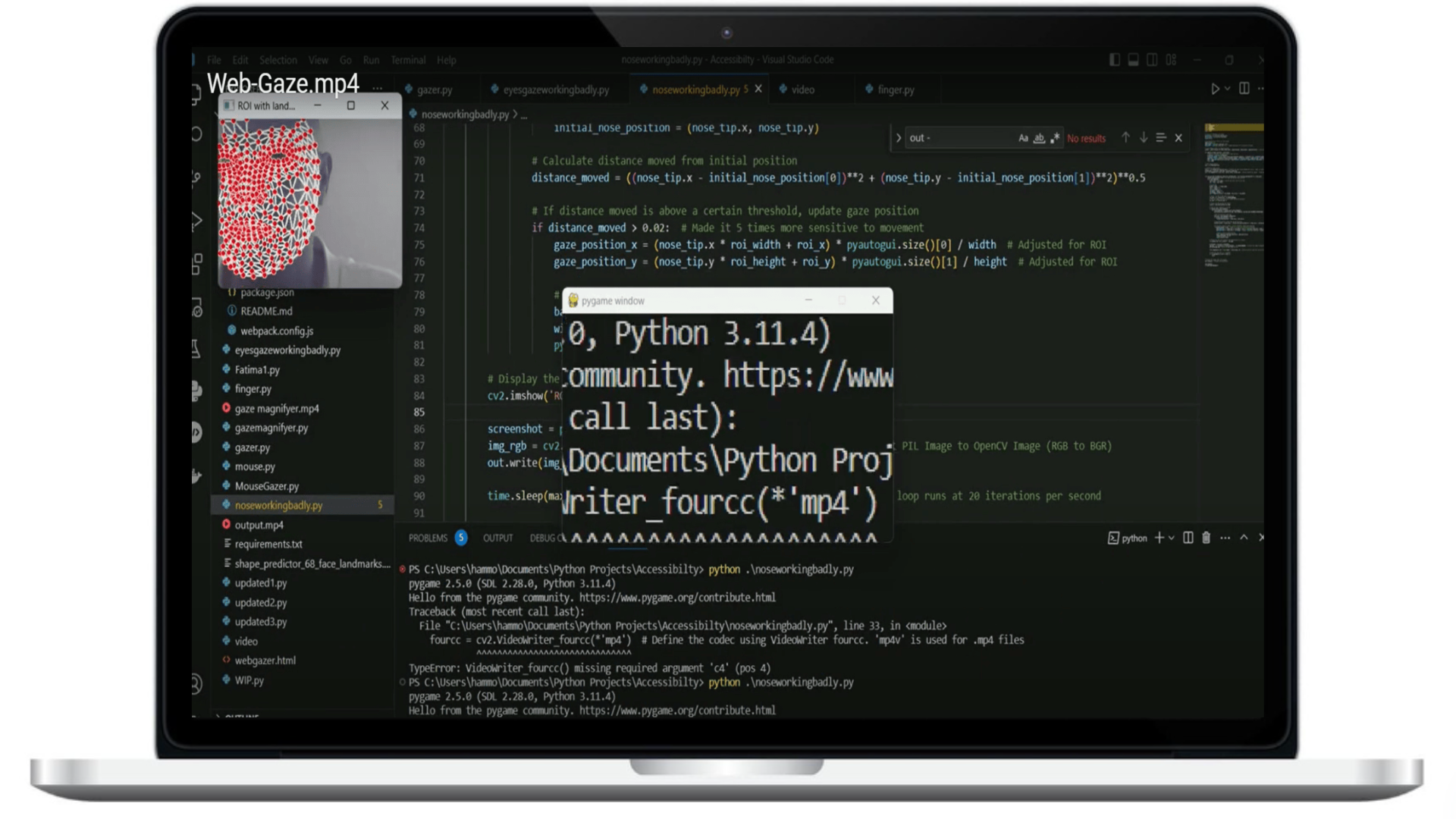
- Face Mesh Tracking: Utilizes MediaPipe's face mesh solution for accurate facial landmark tracking. 🤖
- Dynamic Screen Magnification: Magnifies screen areas based on gaze, aiding visually impaired users. 🔎
- Customizable Magnification: Users can adjust the magnification level and the size of the magnified screen area. 🔍⚙️
- Real-Time Feedback: Live display of the region of interest with facial landmarks. 🖼️
Usage 🚀
- Run the script to start webcam and face mesh tracking. 🎥
- The program sets a baseline for gaze direction using the initial nose tip position. 👃
- Detects gaze shifts by measuring the distance moved from the baseline. 👀
- Magnifies the screen area where the user's gaze is directed. 🖥️
Configuration 🔧
- Magnification Level: Adjust
magnificationto change the zoom level. 🔍 - Band Size: Change
band_heightandband_widthto alter the size of the magnified area. 📏
Exiting the Application ❌
Press 'q' in the ROI window to safely shut down the webcam and terminate the program. 🛑
Acknowledgements
Special thanks to the American University of Beirut for hosting the Tech for Accessibility Hackathon and fostering the development of accessibility solutions. 🎓
Tools Used
Python